
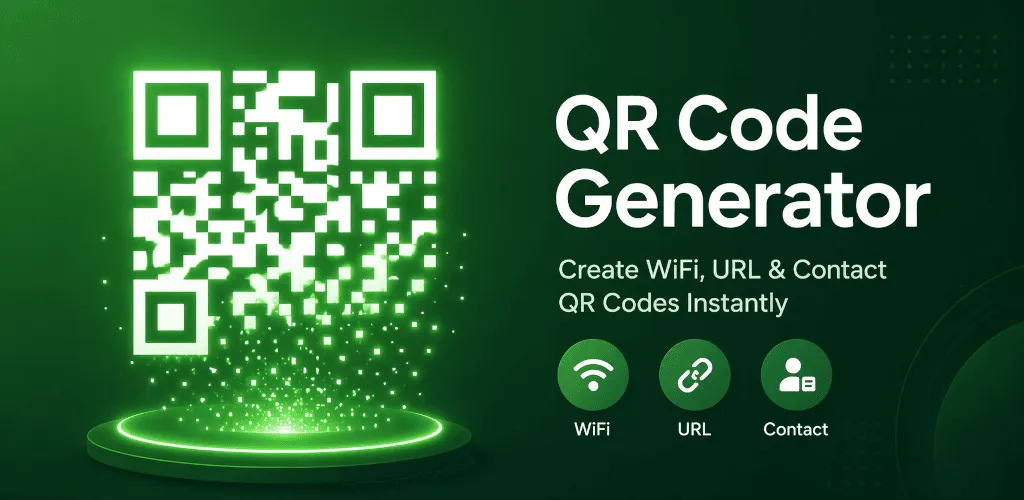
QR Code Generator - QR Creator V3.0.0 is now available. This release rebuilds the experience around three practical goals: making each QR code easier to create, making scanned results safer to handle, and making frequently used content faster to find and reuse.
The result is more than a new visual layer. Editors now explain each content type more clearly, scanning keeps the next action under your control, and local history reduces repeated work without sending your records to a remote account.
Why we rebuilt the experience
QR creation can look like a single task, but the information needed for a URL is different from the information needed for Wi-Fi, an email or a contact. Treating every type as the same form makes validation harder to understand and makes mistakes easier to miss.
V3.0.0 reorganizes these tasks around their real content. It also brings creation, scanning, review and reuse into a more consistent flow, so the app can stay practical as more capabilities are added.
A redesigned creation experience
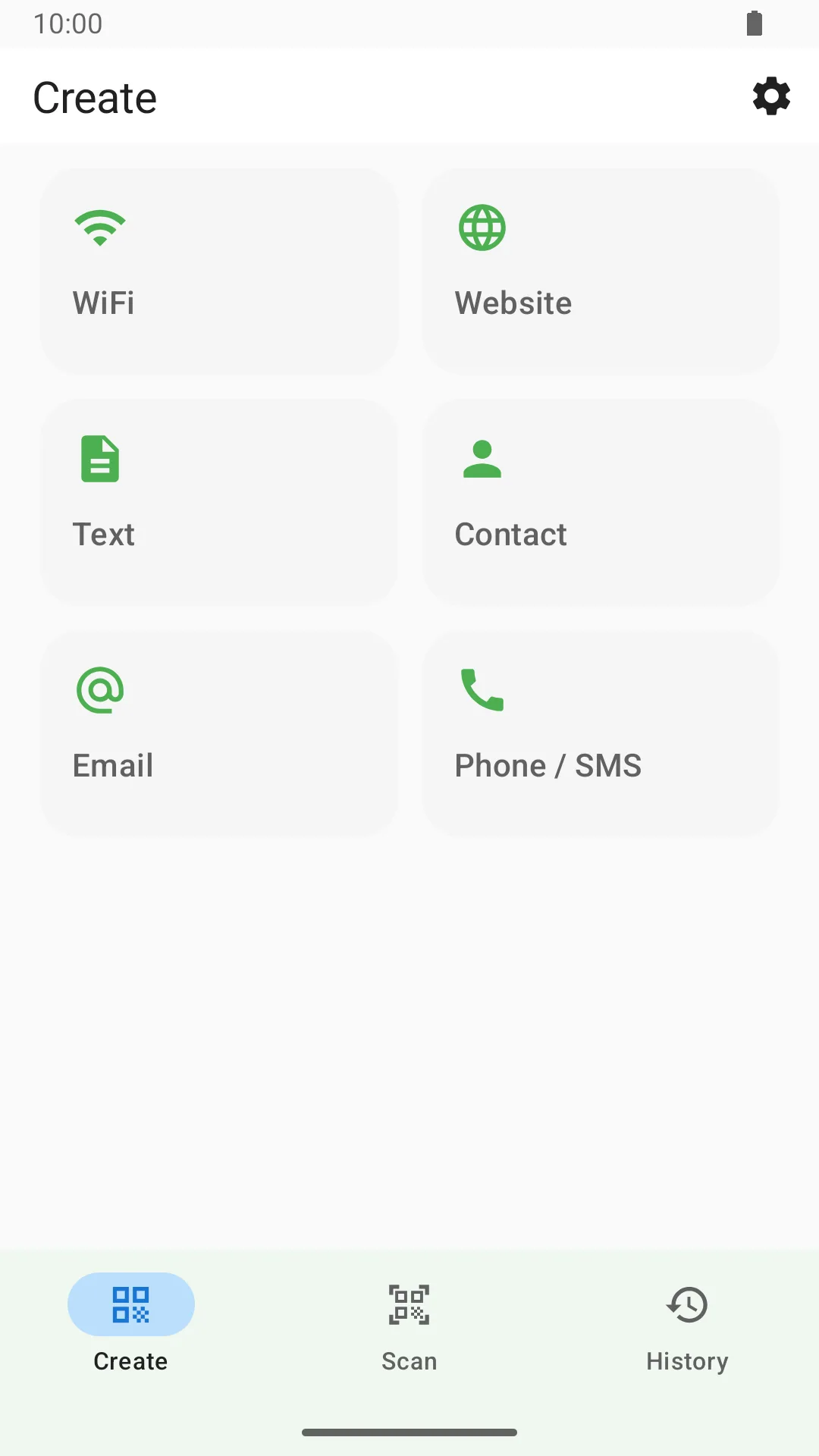
The creation flow has been rebuilt to make each QR type easier to understand and edit. V3.0.0 includes clearer editors for:
- Text
- URLs
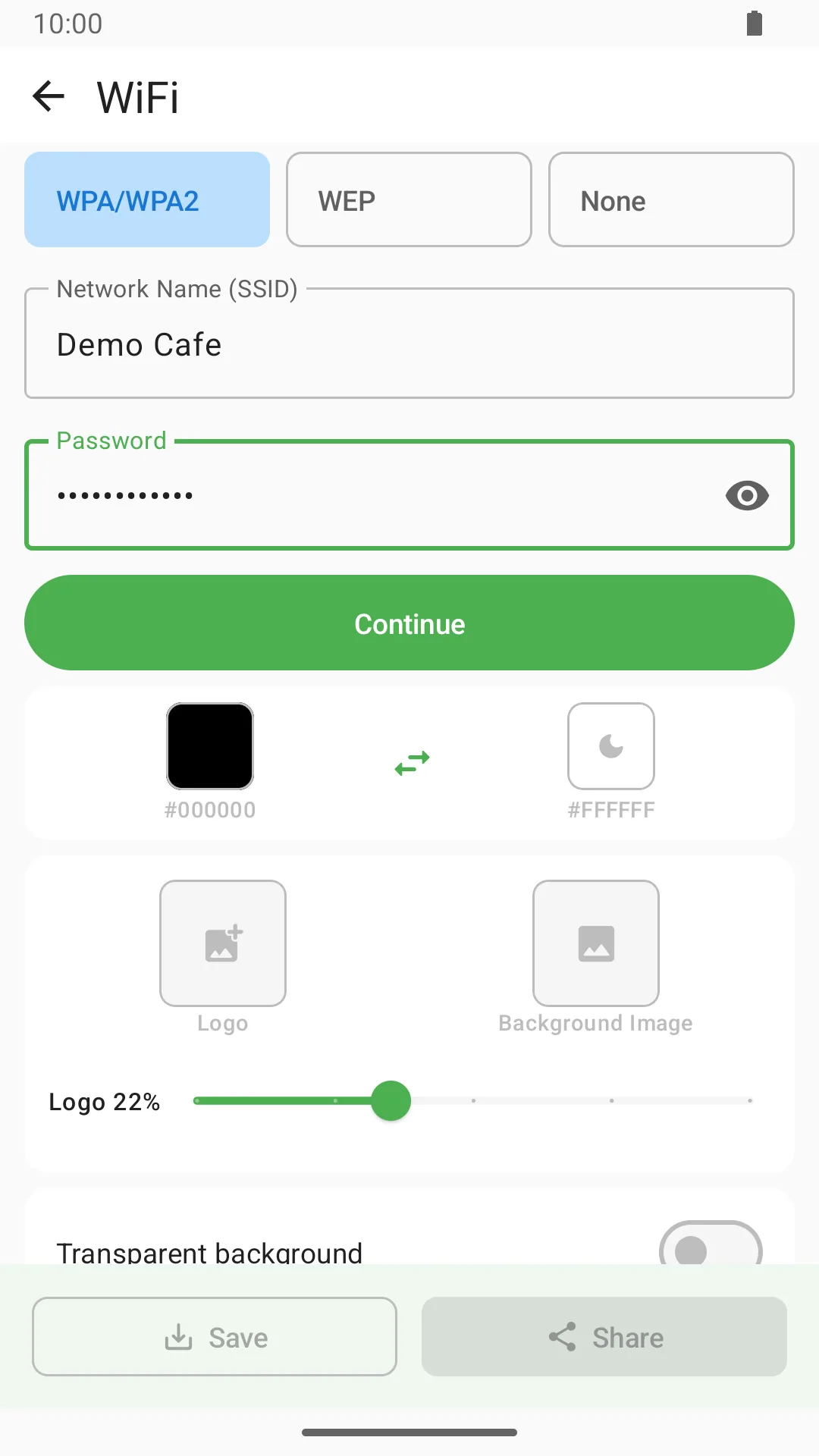
- Wi-Fi networks
- Phone calls and SMS
- Contacts
Each editor is tailored to the content being created, with clearer fields, validation and a preview before export. The aim is simple: show the information that matters for the selected type without making users decode a generic form.
Safer camera and gallery scanning
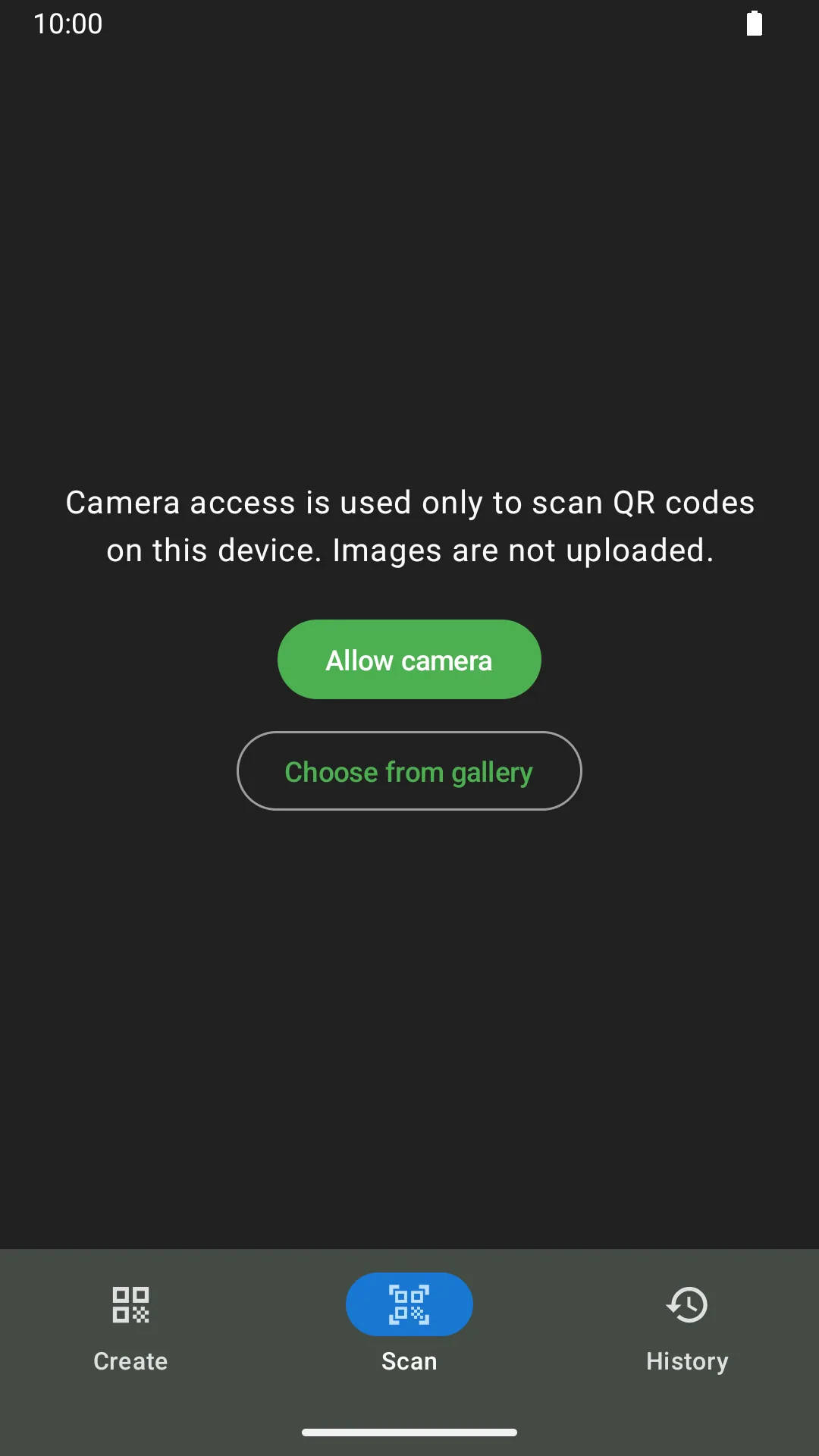
QR Creator can now scan QR codes with the camera or from an image in the gallery.
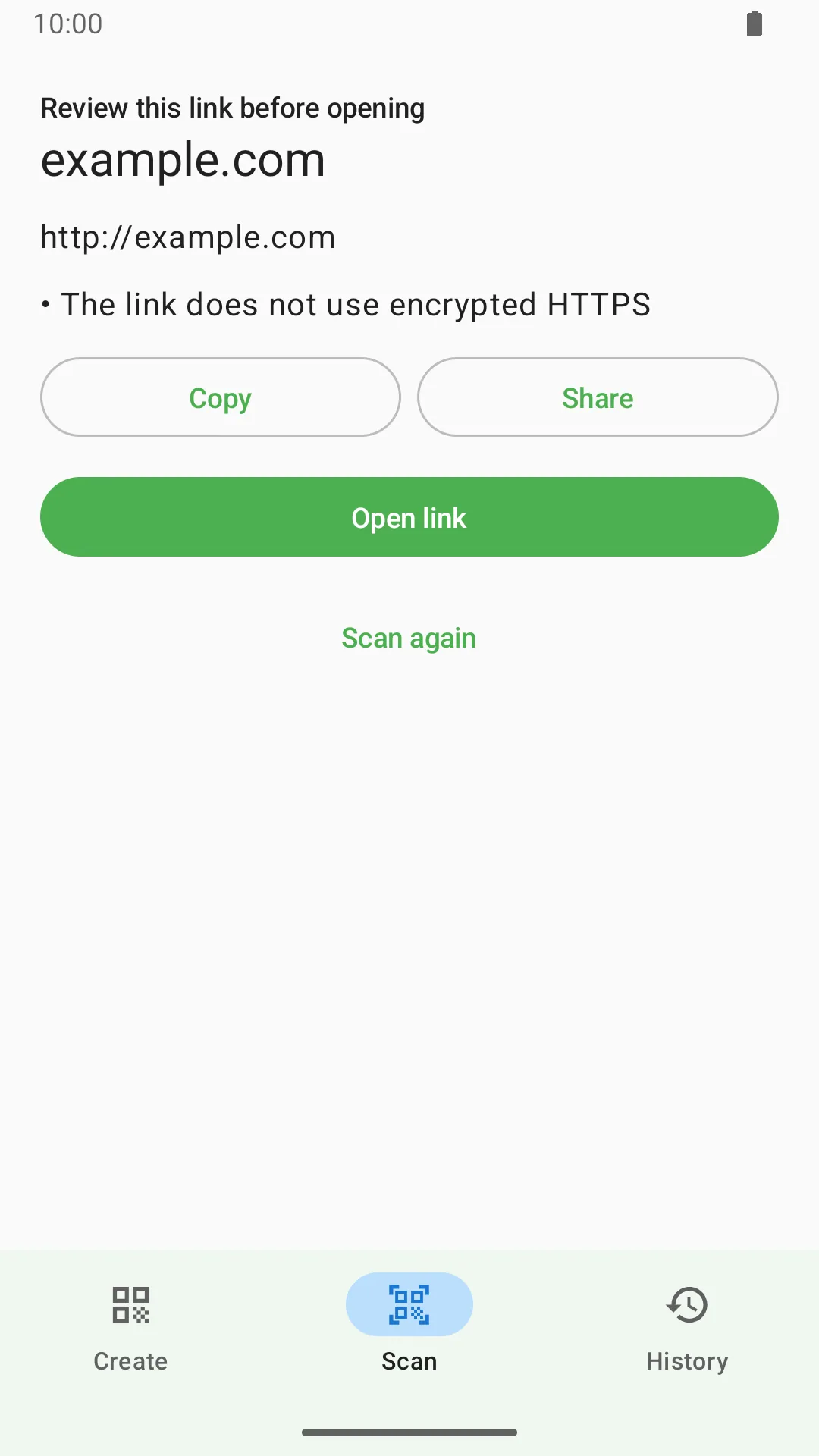
When a scanned QR code contains a potentially risky link, the app displays a warning so the destination can be reviewed before continuing. Scanned links, phone numbers and other actions are not opened or executed automatically.
That pause is an intentional part of the design. A scan reveals content; it does not decide what should happen next. You remain in control after every scan.
Local history for faster reuse
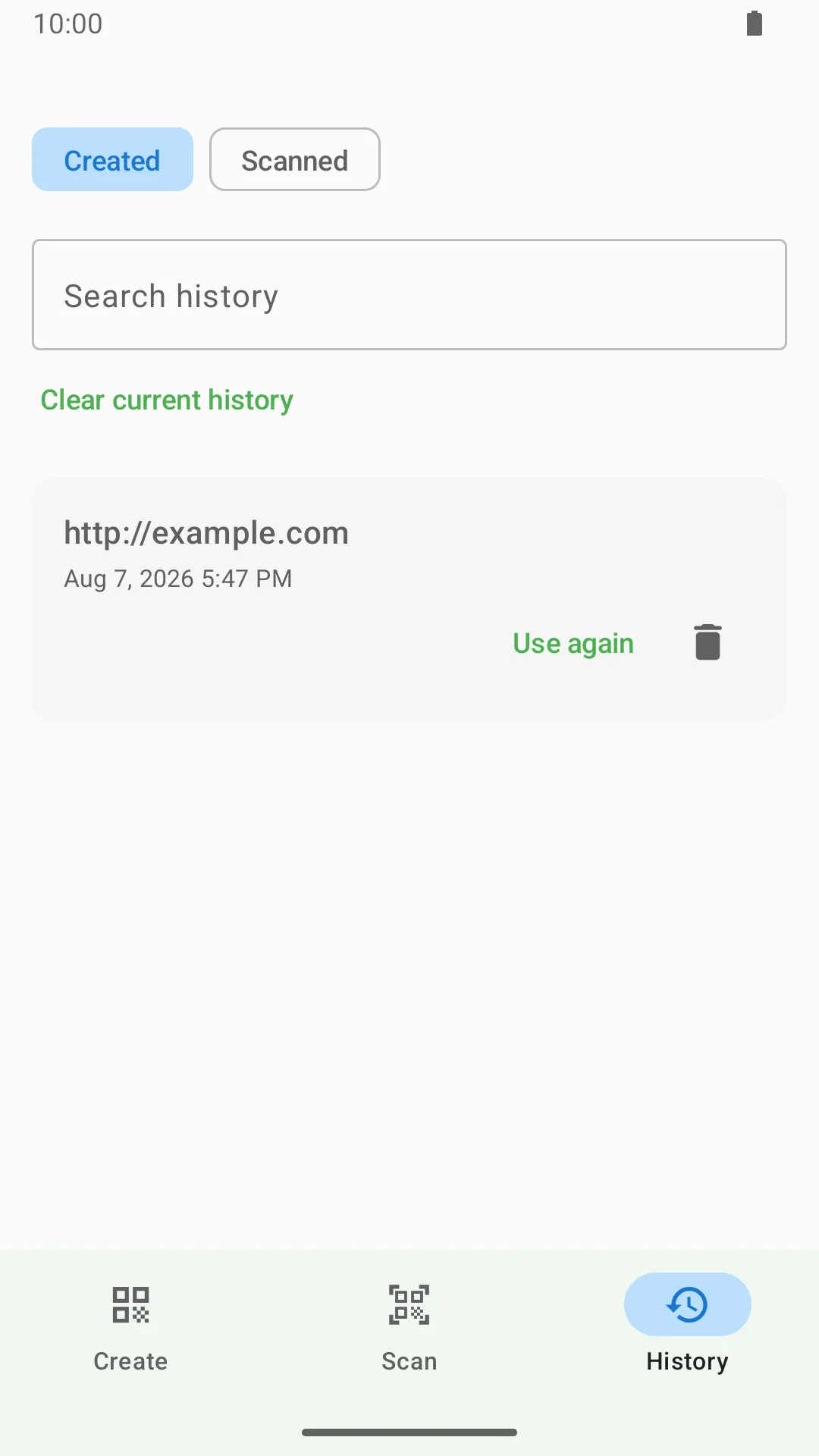
V3.0.0 adds local history for created and scanned QR content. You can:
- Search previous records
- Reuse content without entering it again
- Delete individual records
- Clear records you no longer need
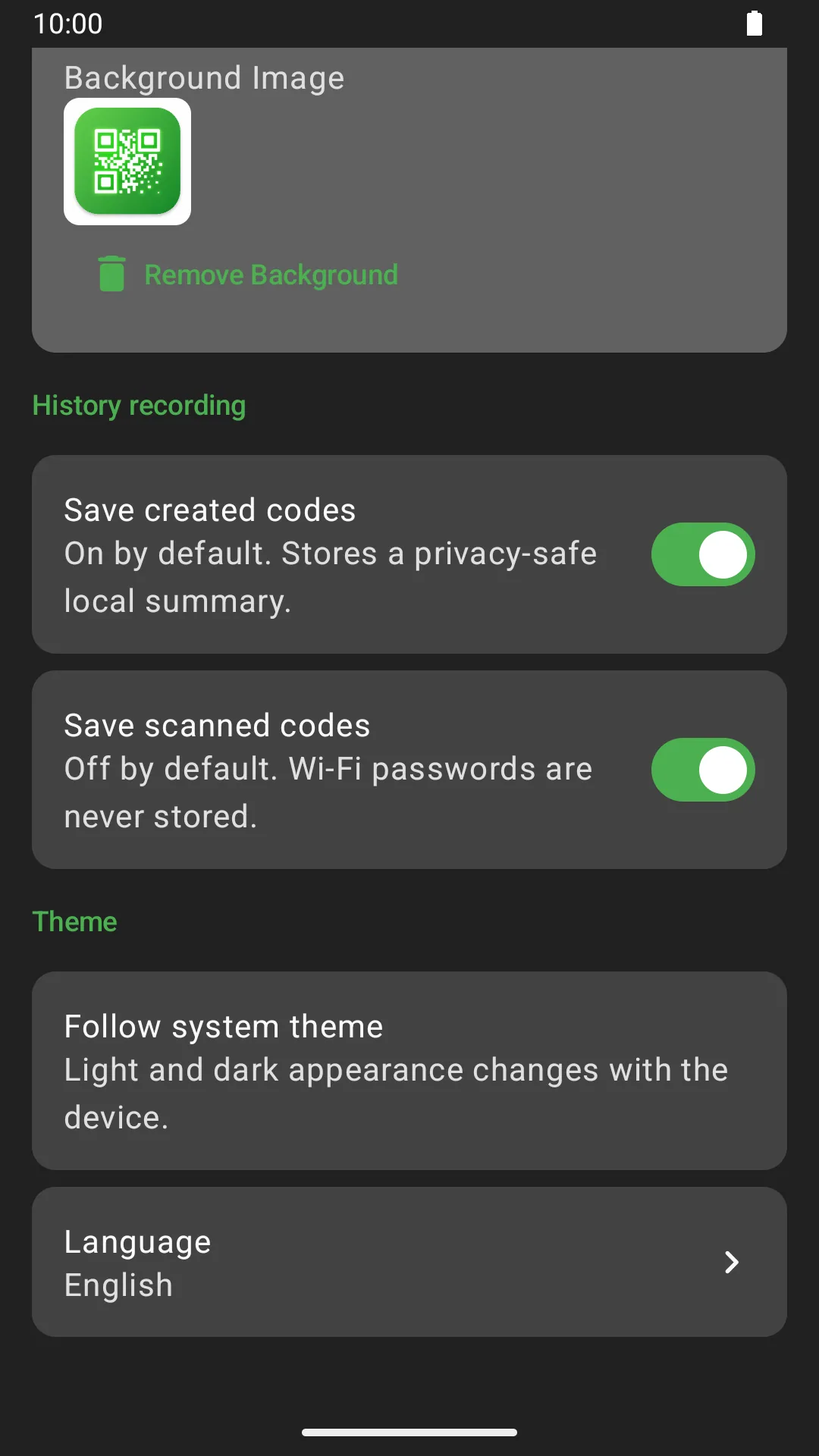
History is stored locally on the device. To reduce the risk of retaining sensitive network information, Wi-Fi passwords are not saved in history.
Better previews and readability checks
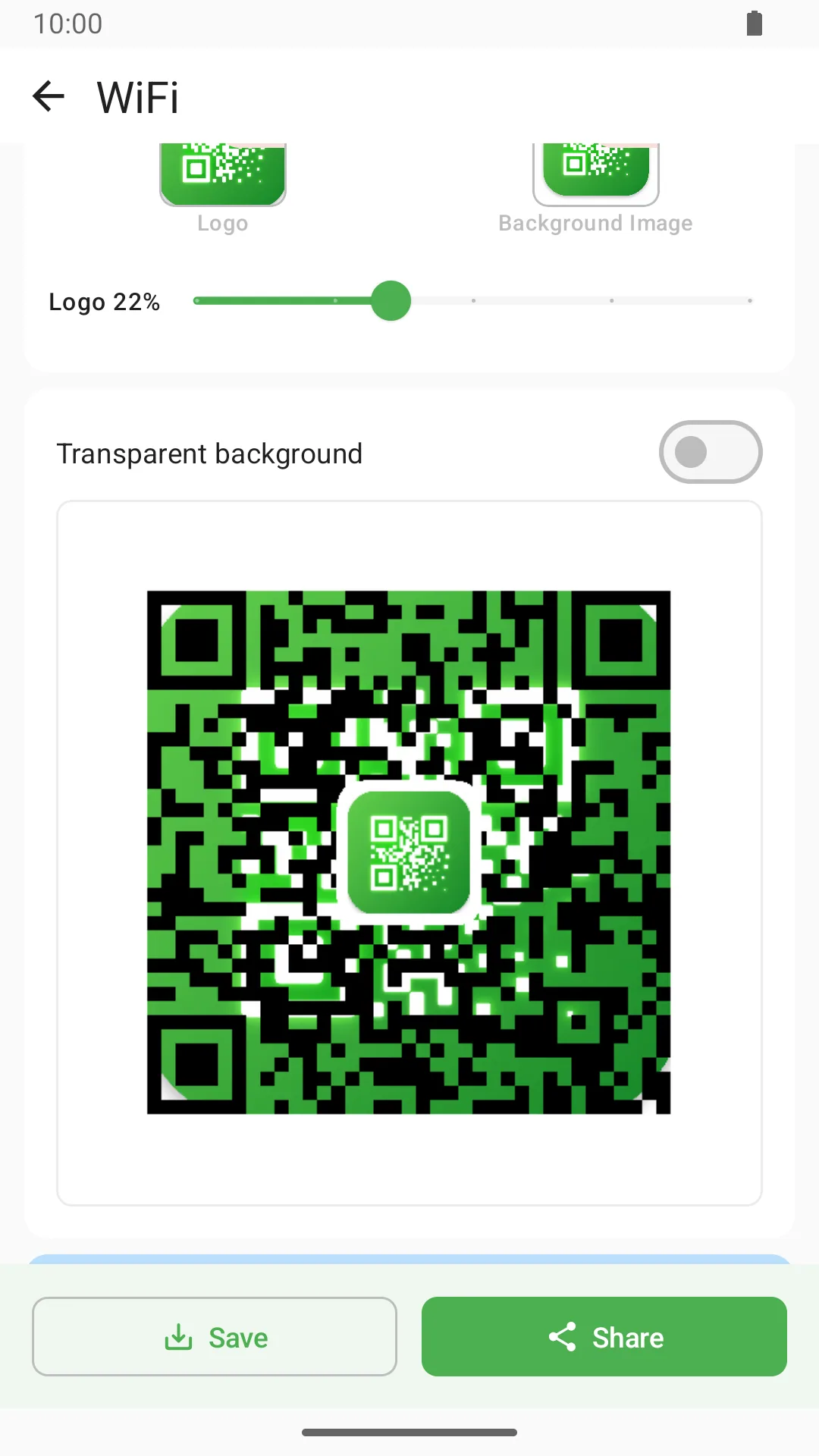
The QR preview and readability checks have also been improved. The app can identify design choices that may make a code harder to scan, helping you adjust it before saving.
Customization from previous versions remains available, including custom foreground and background colors, transparent backgrounds, center logos and background images. You can continue creating personalized QR codes while receiving clearer feedback about choices that may affect readability.
For practical design guidance beyond the app, read our QR code design best practices.
Standard and HD PNG export
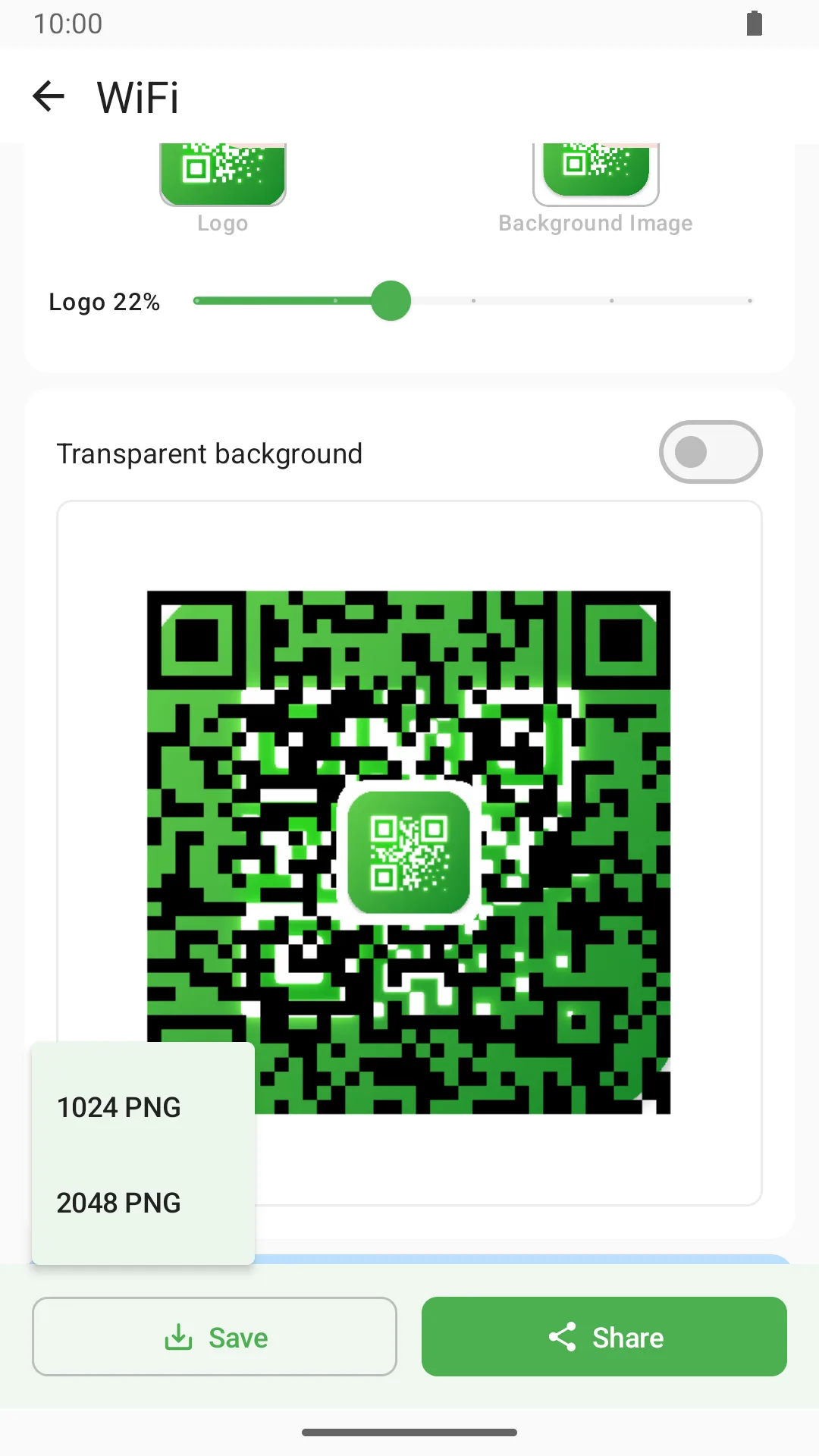
Finished QR codes can be saved as 1024 × 1024 PNG or 2048 × 2048 HD PNG files.
Saving and sharing now use Android's system interfaces, giving you clearer control over where files are stored and which apps receive them.
Refined across the app
The release also includes:
- Improved dark mode
- Better language support
- Accessibility improvements
- Android 16 compatibility
- A refreshed app icon
Together, these changes establish a stronger foundation for future QR creation and scanning work while keeping the current experience straightforward and under the user's control.
Explore QR Creator V3.0.0
Explore QR Code Generator - QR Creator to see the current product capabilities and official download options.
Thank you for using QR Creator. If you encounter a problem or have an idea for a future update, contact Vivimentis Support.