
QR Code Generator - QR Creator
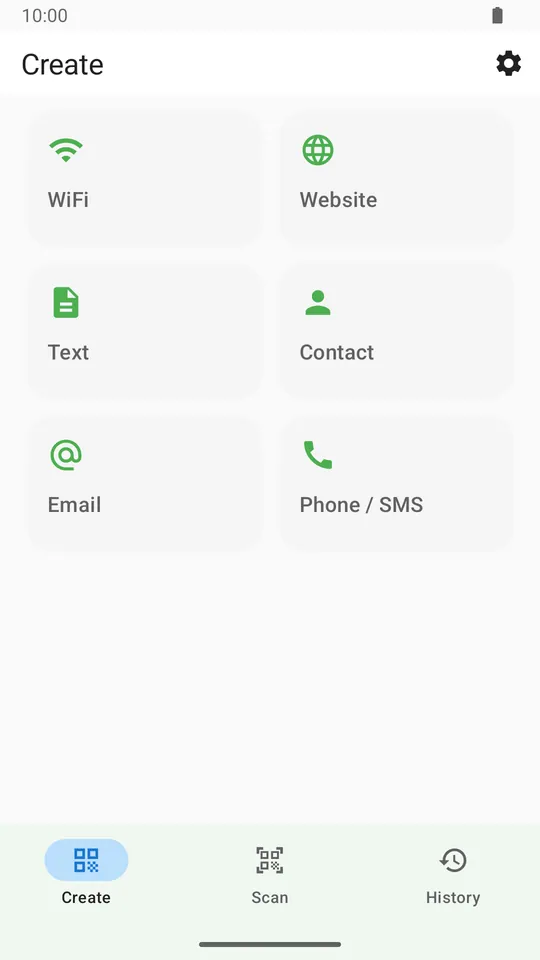
Create QR codes for notes, links, WiFi access, phone calls, email, and vCard contacts with quick save, share, and offline support.
Reusable design, verified export and safer system workflows
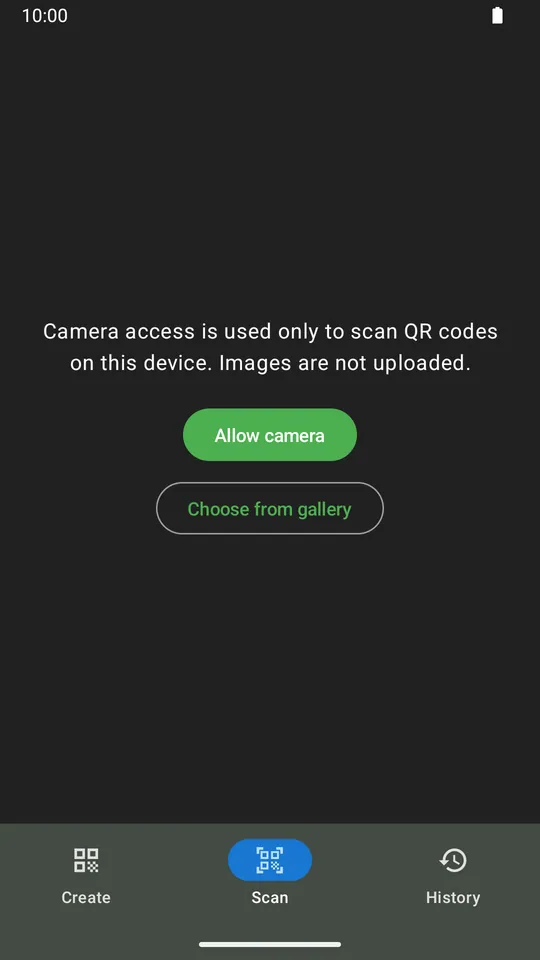
V4 adds advanced styling, deterministic readability checks, favorites and full-configuration reuse, multi-image gallery scanning, Android share targets, SMS creation, 15 app locales and Android 7.0+ support.
Build a reusable visual system
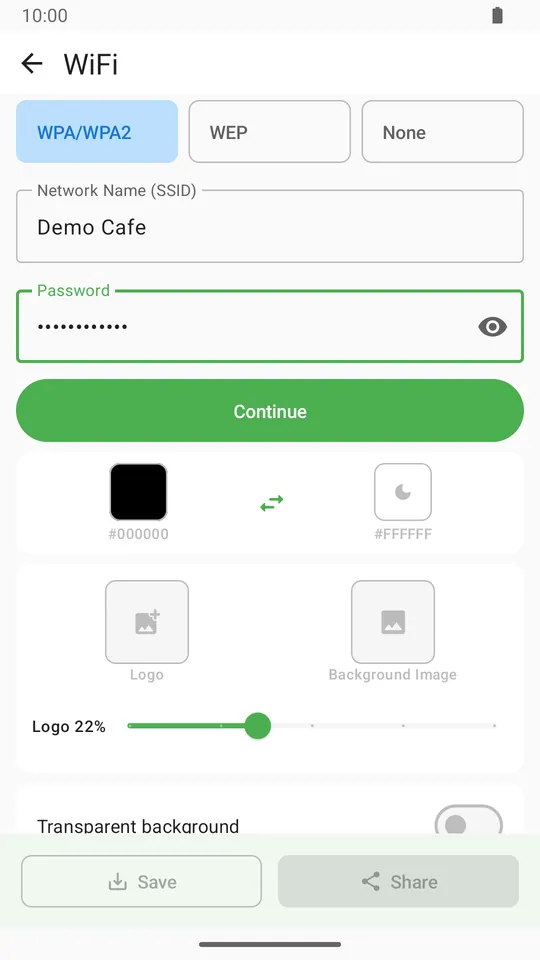
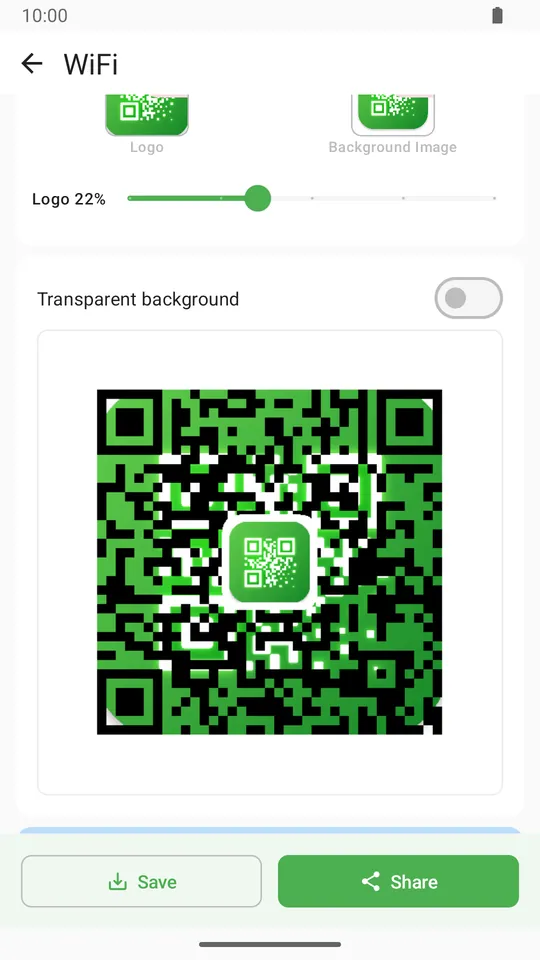
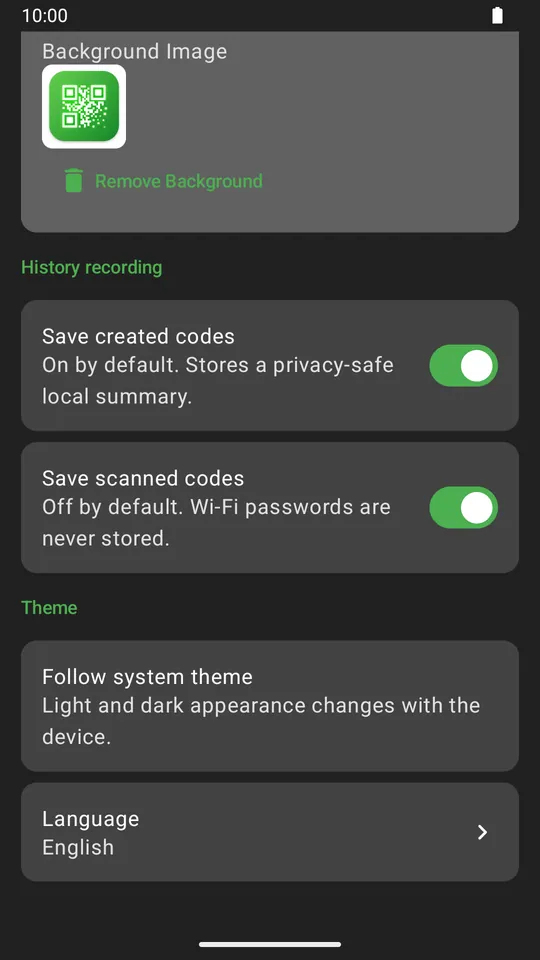
Tune point and finder styles, two-color gradients, logo plates and brand colors, then save visual-only presets without QR content or Wi-Fi passwords.
Export only a readable result
Every styled code is read back. QR Creator applies a predictable fallback when needed and blocks export if the result still cannot be verified.
Return to work without rebuilding it
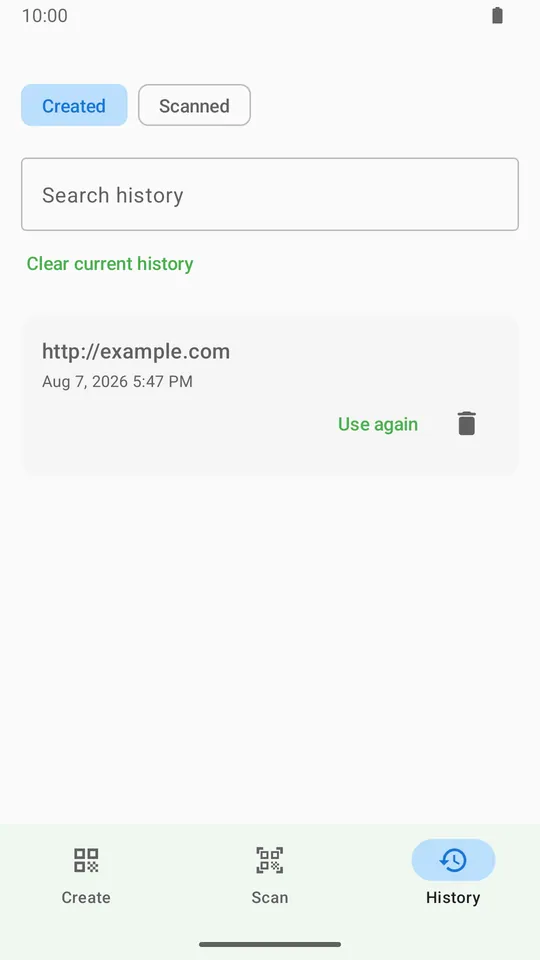
Favorite local history, reuse content, or copy the full available configuration. Older records use safe defaults, and Wi-Fi passwords are never restored.
Bring more content into one confirmed flow
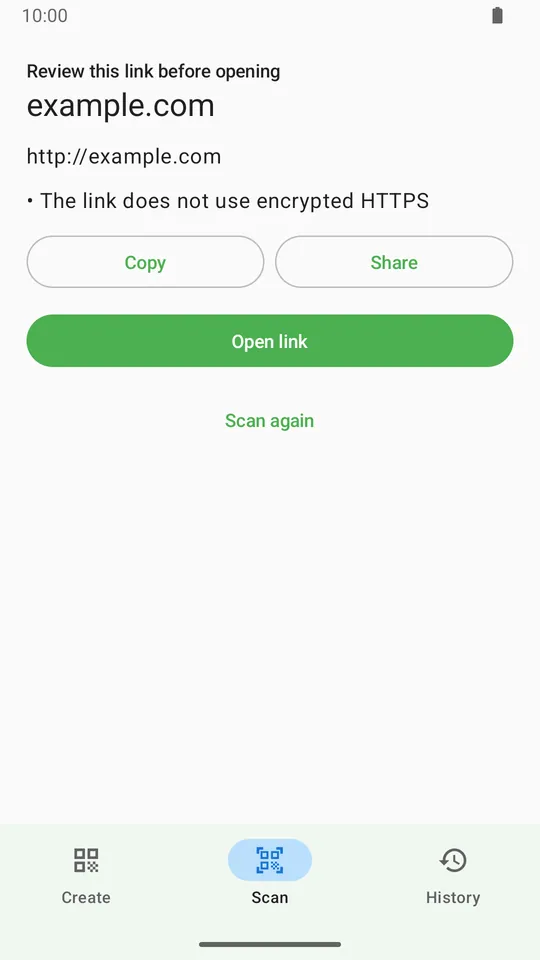
Scan up to 20 gallery images with deduplication, or share supported text, links and images from Android. External content is confirmed before creation or scanning.
How QR Code Generator - QR Creator works
QR Code Generator - QR Creator turns everyday details into clean QR codes through a straightforward Android workflow.
Pick the right QR format
Start with text, URL, WiFi, phone, email, or contact details depending on what you need to share.
Create the QR instantly
The app formats your content and generates a clean QR code in a single step, including vCard 3.0 contact data.
Use the result right away
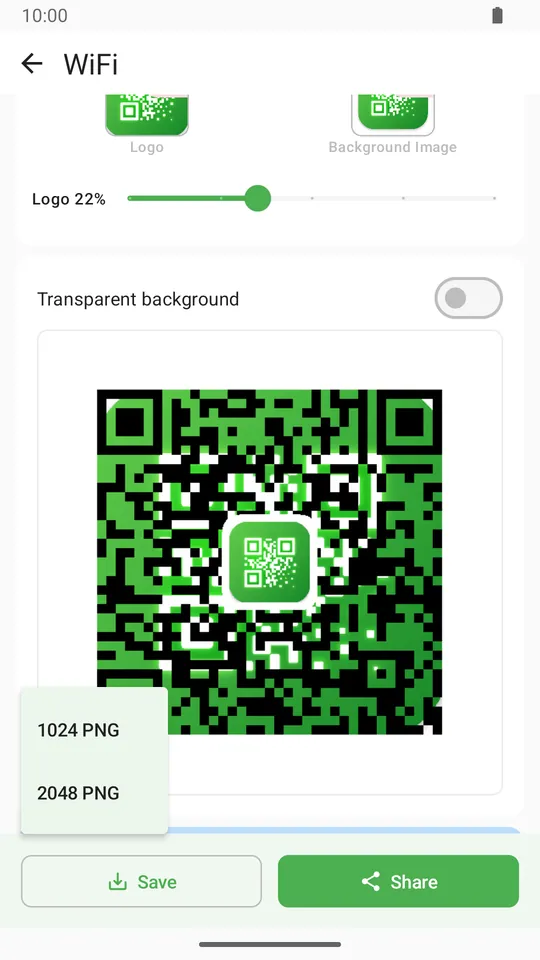
Save the QR image, share it through Android, or keep working offline once the app is on your device.
Supported QR types
QR Code Generator - QR Creator covers the everyday formats people actually need to scan and use.
Notes and plain text
Turn short text, reminders, instructions, or quick notes into a scannable QR code.
Website links
Paste a link and let the app recognize standard HTTP or HTTPS URLs for clean sharing.
Instant WiFi access
Create a WiFi QR code so guests can scan and connect without typing the network details manually.
Tap-to-call numbers
Generate phone QR codes that open a direct dial action, including international country codes.
Quick email setup
Prepare email QR codes with fast selection for common domains when sharing contact or support details.
vCard 3.0 contacts
Create contact QR codes in the vCard 3.0 format so scanners can save the details directly to their address book.
Use cases
Use QR Code Generator - QR Creator for practical sharing moments at home, at work, or on the go.
Home WiFi sharing
Place a WiFi QR code where guests can scan and connect without asking for the password.
Fast contact exchange
Share a vCard QR code at meetings, events, or counters so people can save your details immediately.
Support and hotline access
Use phone and email QR codes to guide people straight to a call action or a prefilled email path.
Why choose QR Code Generator - QR Creator
A practical utility for people who need more than basic text QR generation without adding unnecessary complexity.
Everyday QR coverage
One app handles text, links, WiFi, phone numbers, email, and contact cards in one place.
Save, share, and keep moving
Generate the code, save it, share it, and continue using the app even when you are offline.
Clear product support
Questions and issue reports can go through the official Vivimentis Support page.
FAQ
Quick answers about QR Code Generator - QR Creator, supported QR formats, and offline-friendly sharing.
What QR types does QR Code Generator - QR Creator support?
QR Code Generator - QR Creator supports text, HTTP/HTTPS URLs, WiFi details, phone numbers, email details, and vCard 3.0 contact information.
Can I make a WiFi QR code for guests?
Yes. You can generate a WiFi QR code so someone can scan and connect without typing the network name and password manually.
Does it support contact QR codes?
Yes. QR Code Generator - QR Creator creates contact QR codes in the vCard 3.0 format so scanners can save the contact directly to their phone.
How do phone and email QR codes work?
Phone QR codes open a direct dial action, including international country codes. Email QR codes help you prepare a quick email path with common domain support.
Can I save, share, or use it offline?
After generation, you can save the QR image, share it through Android, and continue using supported creation flows offline once the app is installed.
Privacy & Trust
QR Code Generator - QR Creator is published under Vivimentis Interactive with official support, privacy, and terms pages.
Privacy information
Review how Vivimentis explains data and privacy requests.
TermsTerms of service
Read the service terms that apply to Vivimentis products.
ProductsExplore the portfolio
See the full current Vivimentis product matrix.
GuideRelated Guide
Create clean QR codes from text and URLs with our straightforward guide.
More from Vivimentis
Explore other real products in the current Vivimentis portfolio.
Ready to create?
Download QR Code Generator - QR Creator and start creating QR codes for text, links, WiFi, phone, email, and contacts.
Viewing on desktop?

Scan to open on your phone